
Troubleshooting
Diagnose common ScanlyApp issues across auth, scans, queues, scheduling, and integrations.
Why it matters
Fast diagnosis reduces downtime and false confidence.
Use this checklist before escalating to support.
Step-by-step
- Confirm target URL accessibility and auth configuration.
- Check run status transitions (
queued->running-> completion). - Verify queue/scheduler service health in deployment logs.
- Validate webhook destinations and notification logs.
- Re-run with reduced coverage to isolate failures.
Common errors
- OAuth callback domain mismatch
- Monthly limit reached
- Webhook delivery failures
- Schedule not enqueueing runs
- Trace artifact unavailable
Selector best practices (scenarios)
- Prefer stable selectors (
data-testid, role, labels). - Avoid deeply nested CSS selectors tied to layout.
- Keep assertions focused on deterministic UI outcomes.
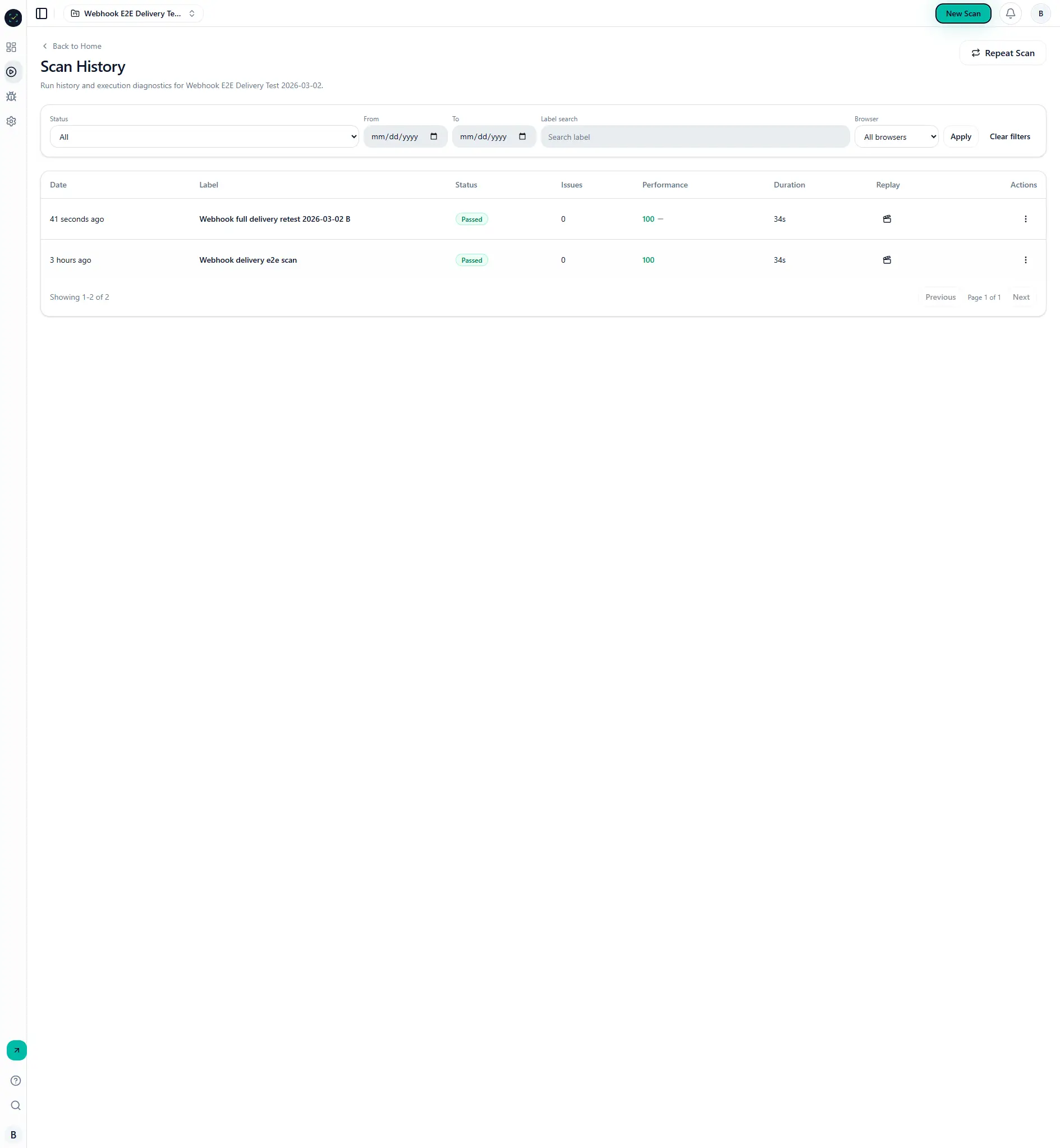
Visual reference
Contact support
If the issue persists, include:
- run ID
- project ID
- timestamp (UTC)
- screenshot/trace link
- relevant console/network failure detail