
Scheduling Scans
Automate recurring scans to detect regressions continuously without manual triggers.
Why it matters
Scheduled scans prevent blind spots between manual checks.
They provide predictable quality monitoring as code and content change.
Step-by-step
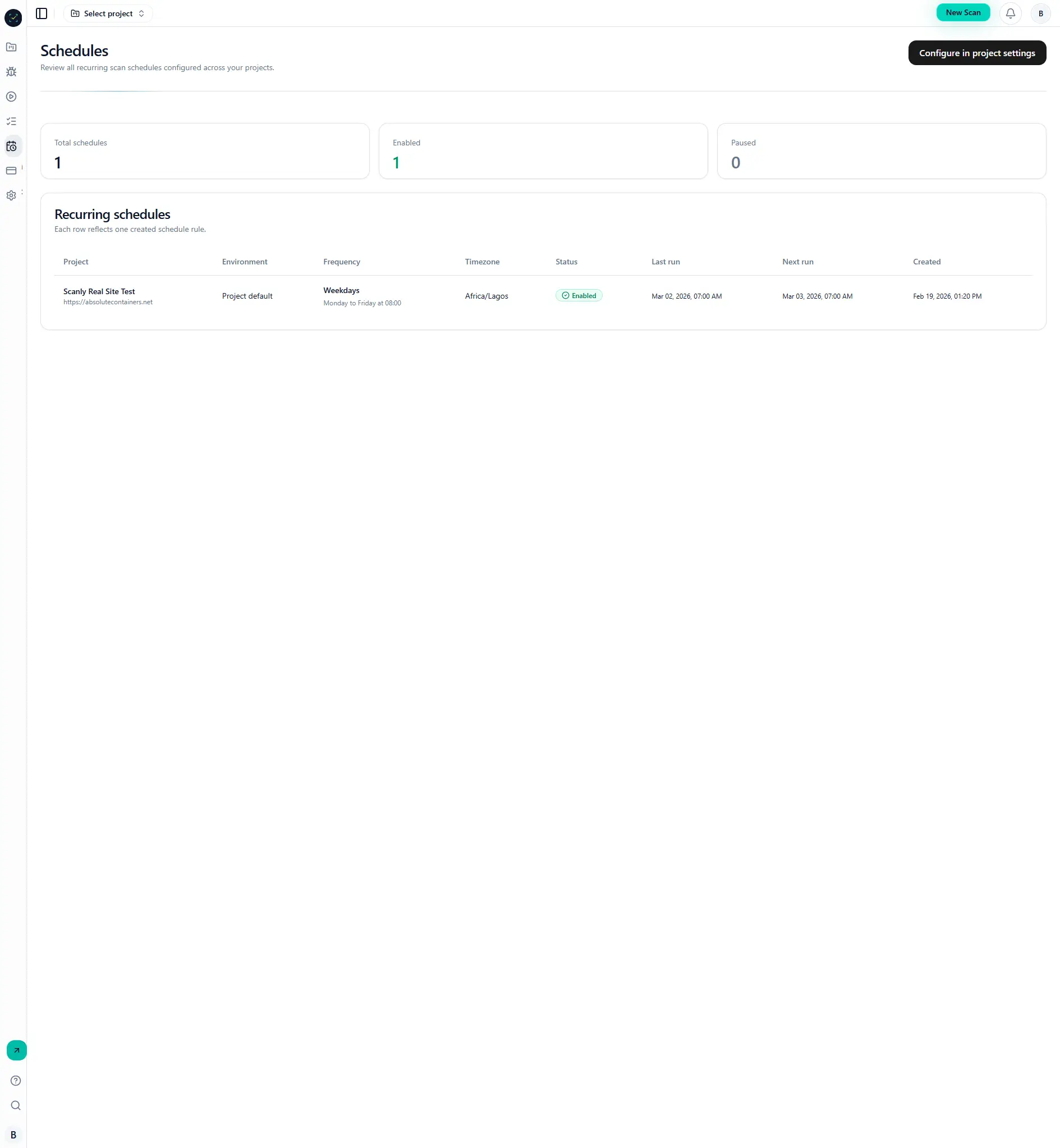
- Open Dashboard -> Schedules.
- Create or edit a schedule.
- Select target project and timezone.
- Save and verify
next_run_atis populated. - Confirm scheduled runs appear in run history.
Visual reference
Common mistakes
- Using incorrect timezone.
- Disabling schedule accidentally while editing.
- Not monitoring scheduler worker health in self-hosted environments.