
ScanlyApp Documentation
Start here to learn setup, scanning, reporting, scenarios, integrations, and operations in ScanlyApp.
Why it matters
Good documentation reduces onboarding time, lowers support load, and helps teams ship with fewer regressions.
Use this docs hub to move from account setup to repeatable QA operations.
Step-by-step
- Read Getting Started to learn the first-run flow.
- Use Projects, Runs, and Issues to understand core objects.
- Add Scenarios for functional test journeys.
- Configure Scheduling, Alerts, and Integrations.
- Review Billing and Troubleshooting for operations.
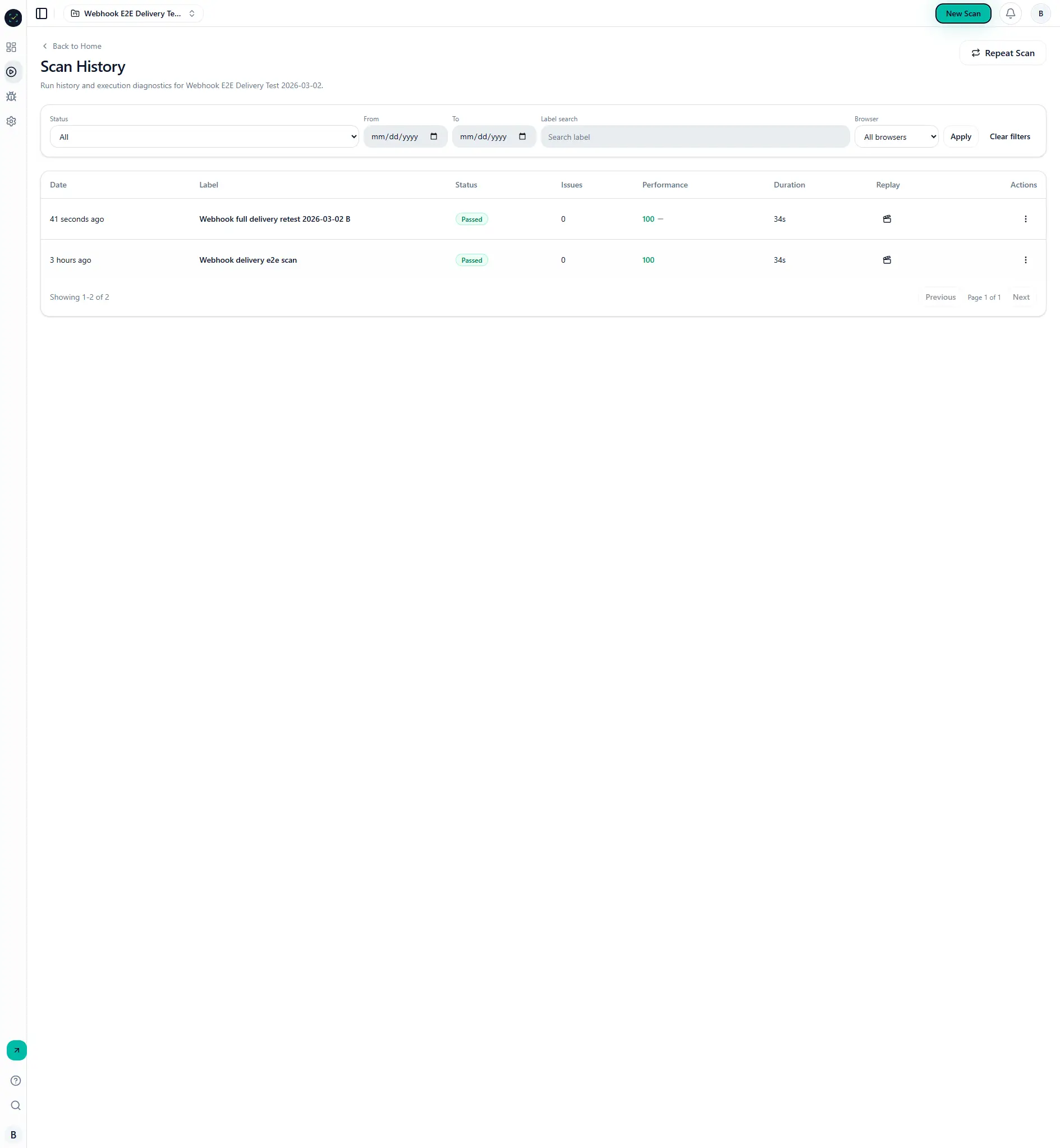
Visual reference
Common mistakes
- Skipping access/auth setup for protected environments.
- Running large scans before validating a small baseline run.
- Not configuring alerting before production monitoring.