
Runs
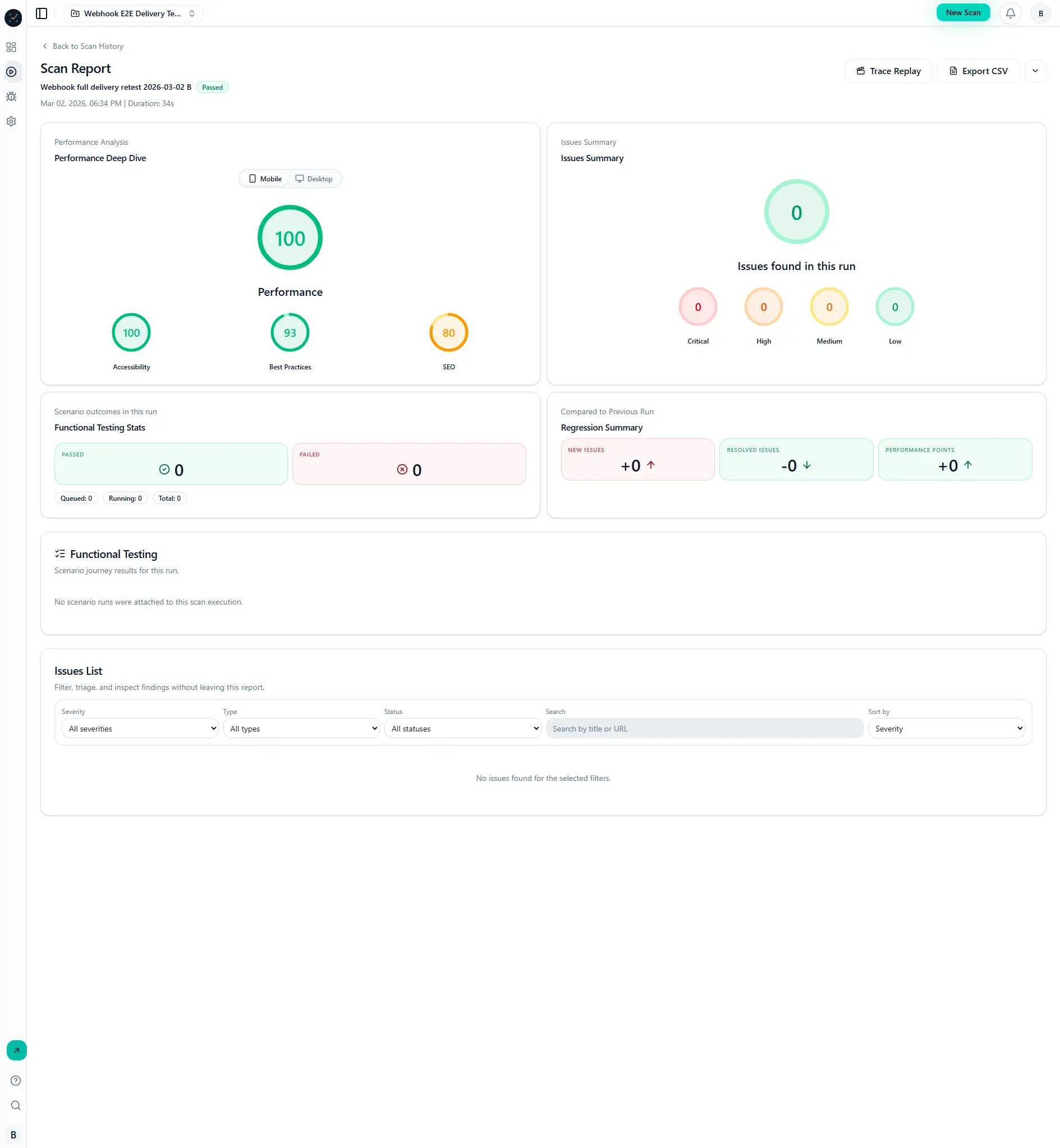
Runs record a scan execution with status, coverage, performance metrics, issue detections, and artifacts.
Why it matters
Runs are your source of truth for release readiness.
Every issue, performance score, and artifact is tied to a run.
Step-by-step
- Open a project and start a scan.
- Monitor status in Scan History.
- Open the run details page.
- Review executive metrics and issue summary.
- Expand issue rows for evidence.
- Open trace replay when deep debugging is required.
Run states
queued-> waiting for workerrunning-> scan in progresspassed/failed-> completed state
Visual reference
Common mistakes
- Treating a
passedrun as "no issues"; it only means execution succeeded. - Ignoring regressions between current and previous runs.
- Exporting reports before run completion.